
Product Bulk Edit
Using the Bulk Edit CSV Template
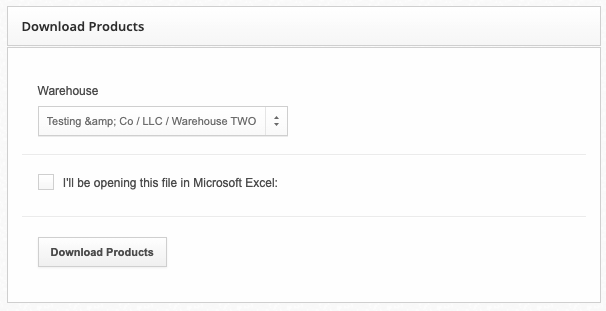
You can download the CSV template and begin making changes to your existing products. This CSV file can be loaded using any popular spreadsheet app, typically Microsoft Excel or Google Docs.
ShipHero uses the SKU column to match product information to an existing SKU within ShipHero, and this is the only required column. You only need to include columns required for a particular update. For example, if you only want to update the Reorder Level and Reorder Amount properties of a product, you would only need to have the following columns:
- SKU
- Reorder Level
- Reorder Amount
On Hand Column Use-Cases
You may be wondering why the On Hand column is an option while Bulk Edit is not used for adjusting inventory quantities. This column is used when creating a new product within ShipHero and is used to set the initial On Hand value for that newly created product. It is ignored for existing products.
Multi-Warehouse Product Template
If you're managing products in multiple warehouses, you will need to specify which warehouse will be updated. You can do this by selecting the warehouse from the dropdown when uploading the CSV file. This option will only be available if you have more than one warehouse.
Upload Updated Products
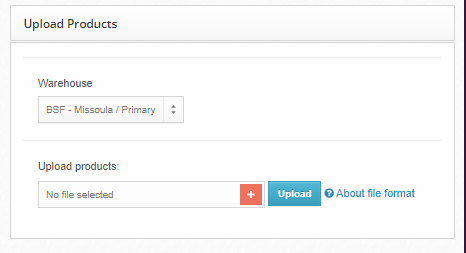
- Select the warehouse you wish to update.
- Select the csv file.
- Click Upload.